Log in to hasanbet and take your seat again
Your mobile number and password are the whole login. Tick the keep-me-signed-in box on your own phone and the next visit skips the form and drops you straight into the lobby.
Stuck at the door? This page covers refused passwords, codes that never arrive, and the app screen.
Sign in to your account
No account on this number yet? Create one in a few minutes.
When the hasanbet login screen will not let you in
Six problems cause almost every stuck login. Match what you see on screen to a row below, try the fix once, then reload the form before you type again.
| What you see | Why it happens | What to do |
|---|---|---|
| Password refused although it looks right | An autocorrect capital or a space picked up when you copied it | Retype it by hand, tap the eye icon to read it back, and check the first digits of the number. A space at either end counts as a character and always fails. |
| The one-time code never arrives | SMS queues behind busy local traffic, or the inbox is full | Give it a moment, look in the spam folder, then ask for one fresh code. If two messages land together, the newest code is the live one. |
| The form reloads and returns to the top | Cookies are blocked in the browser, or you are in a private tab | Allow cookies for this site, close private browsing, then log in again. The page needs a small cookie to hold your session while you play. |
| The account is blocked after several tries | Too many wrong passwords in a row triggers the lock | Stop guessing. Use the forgot-password route further down this page, set a new password, then log in once with it and keep that one saved. |
| The app says your session has ended | An older APK build is still installed on the phone | Install version 3.4.13 from the app page, then open it again. A clean reinstall leaves your balance and history untouched. |
| Login works but the balance reads ৳0 | You topped up from a number that is not linked to this account | Check which bKash or Nagad number you sent from, then bring the transaction ID to the 24/7 live chat so support can trace it to the right account. |
One rule that saves time: do not open the register form to fix a login problem. A second account cannot hold the balance or the bonus sitting on the first one.
Which way you sign in
There are three doors into the same account. Pick the one that matches the phone in your hand rather than the one you used last time on a friend's device.
| Route | What you type | Works well for | Keep in mind |
|---|---|---|---|
| Browser on any device | Mobile number and password | A borrowed laptop or a phone you just bought | The session ends when you close the tabs |
| Remembered sign-in on your own phone | Nothing after the first time | Daily check-ins before a match | Never tick the box on a shared handset |
| The hasanbet app | Mobile number and password once, then it stays open | Long evenings in the casino lobby or on cricket markets | Keep version 3.4.13 installed so the session refreshes cleanly |
Remembered sign-in only covers the one phone and the one browser you ticked it in. Clearing your browser data, uninstalling the app, or switching phones puts the password prompt back.
Keeping the account yours
-
Use a password you have never used before
Reusing a password from mail or social media means one leak anywhere becomes a leak here. Pick something long that you can still type from memory, and change it if your phone is ever repaired or resold.
-
Never pass the code to anyone
The code on your screen exists for one person: you. Support never needs it and no promotion needs it. If a caller asks for the code or your password, end the call and report it in live chat.
-
Log out on rented phones
Cyber cafés and hotel lobby computers keep every session open. Leave the keep-me-signed-in box empty there, and log out fully instead of just closing the window so the next person finds a blank form.
-
Check the address before you type
The real login form lives on this page at hasanbet.live. Links from random SMS or Telegram groups can point to a copy that harvests your password, so type the address or use your own bookmark.
-
Review the sessions that stay open
If the lobby looks different, or your balance moves when you were not playing, change the password, log out everywhere by clearing the app data, and message live chat at once so the account can be watched.
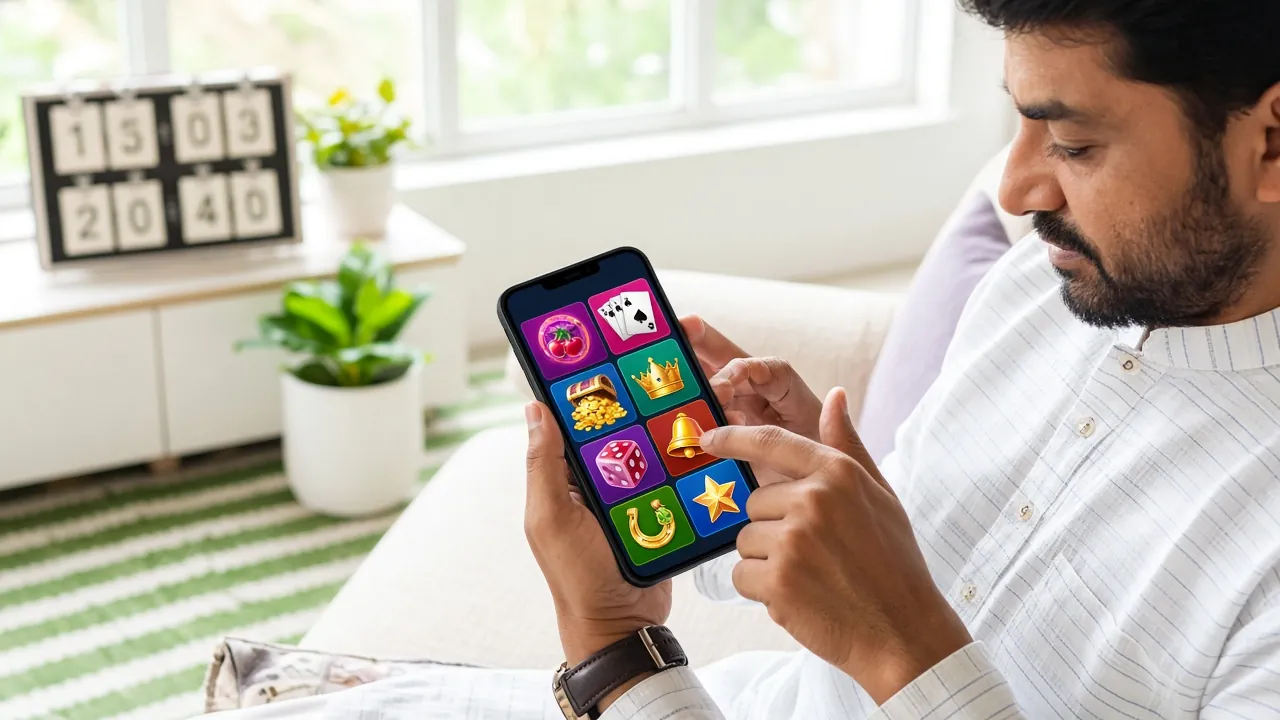
Logging in to hasanbet from scratch
First time on a new phone, or the first visit after a password change? Follow these four steps in order and you will be inside the lobby in under a minute.
-
Open the login page and nothing else
Go to hasanbet.live and tap Login in the top bar, or open the bookmark you saved. Starting from the address bar is safer than a link someone shared, because the copy sites look almost identical.
-
Type the number that takes your deposits
Use the mobile number you registered with, the same one that receives bKash and Nagad messages. If the +880 prefix already sits in the field, do not repeat it, or the lookup fails before it starts.
-
Enter the password by hand
Type it instead of pasting from a note app, then tap the eye icon to read the whole thing back. Pasting drags hidden spaces along with the letters, which is the most common reason a correct password bounces.
-
Tick the box only on your own phone
On a handset you keep, tick keep-me-signed-in so the next visit opens the lobby directly. On a shared phone leave it empty, and remember to log out when you finish, or the next player inherits your balance.
Recovering a lost password
You do not need the old password to get back in, and you never need to open a second account. The reset route below works from the same mobile number.
-
Tap Forgot password under the form
The link sits next to the keep-me-signed-in box at the top of this page. It opens the recovery screen, where you enter the registered mobile number in the same way you would for a normal login.
-
Clear the code from your messages
Watch the SMS thread from us, not the lock screen preview, and read the newest message only. Codes arrive close together when you request twice, and an older code always fails, which looks like a wrong password.
-
Set a new password and sign in once
Choose something you have not used on this account before, then log in straight away with it. If the phone shows a saved password from before, delete that entry in the browser, or it will keep filling the old one.
Login questions answered
- Right password, still refusedthe common causes
- Password forgottensame-day recovery
- Code missingSMS not arriving
- Staying signed inon your own phone
- Same account in the appmoving from browser
- Someone else has itwhat to do first
Why does hasanbet login fail when the password is right?
Nine times out of ten a hidden space or an autocorrect capital is riding along with the password. Retype it by hand with the eye icon open so you can see every character. If it still bounces, your browser may be filling a stored password that you already changed. Delete the saved entry and try once more, then use the reset link.
I have forgotten the password. Can I still play today?
Yes. The reset link under the form takes you through the registered mobile number and one SMS code, and you choose a new password on the spot. The whole thing takes a couple of minutes when the message lands quickly. Your balance, bonus progress and betting history stay exactly as they were, because nothing is closed or reopened.
The code never reaches my phone. What now?
First check that the handset has signal and space for new messages, since a full inbox silently drops them. Ask for one fresh code, not five, and wait a little between requests. Still nothing? Open live chat, confirm the number on the account, and support can help you finish the reset another way.
Is it safe to stay signed in on my own phone?
On a phone that only you use, yes, and it is the reason the box exists. The session is tied to that device and that browser, so the shortcut does not travel to anyone else. Skip it on shared handsets, in cafés and on shop computers, and log out properly when you hand a phone to someone for repair.
How do I reach the same account inside the app?
Install version 3.4.13 from the app page and sign in with the same mobile number and password you use on the website. There is no separate app account and no second registration. Anything you deposit, win or withdraw shows on both, so you can start on the phone and finish on a laptop.
What if I think someone else knows my password?
Change it immediately through the reset link, then clear the app data so any open session elsewhere closes. Tell live chat what you noticed, including any bet or withdrawal you did not make, so the account can be reviewed. Do this before your next deposit rather than after, and never share the new code with the person who asked.
Carry the same sign-in into the app
One mobile number, one password, one balance. Install the app for faster reloads on match nights, or create an account first if this number is new to us.
Get the appNew here? Register with your bKash or Nagad number.